Ethernet Adapter for Fire Stick: Stop Buffering and Streaming Errors for Good
Fire TV Sticks are tiny, cheap and surprisingly good, right up until they start buffering in the middle of a show or throwing a network error on Netflix. The stick lives behind your TV, which is about the worst place for a Wi-Fi antenna: tucked behind a big metal-backed panel, often in a corner, sometimes in a cabinet.
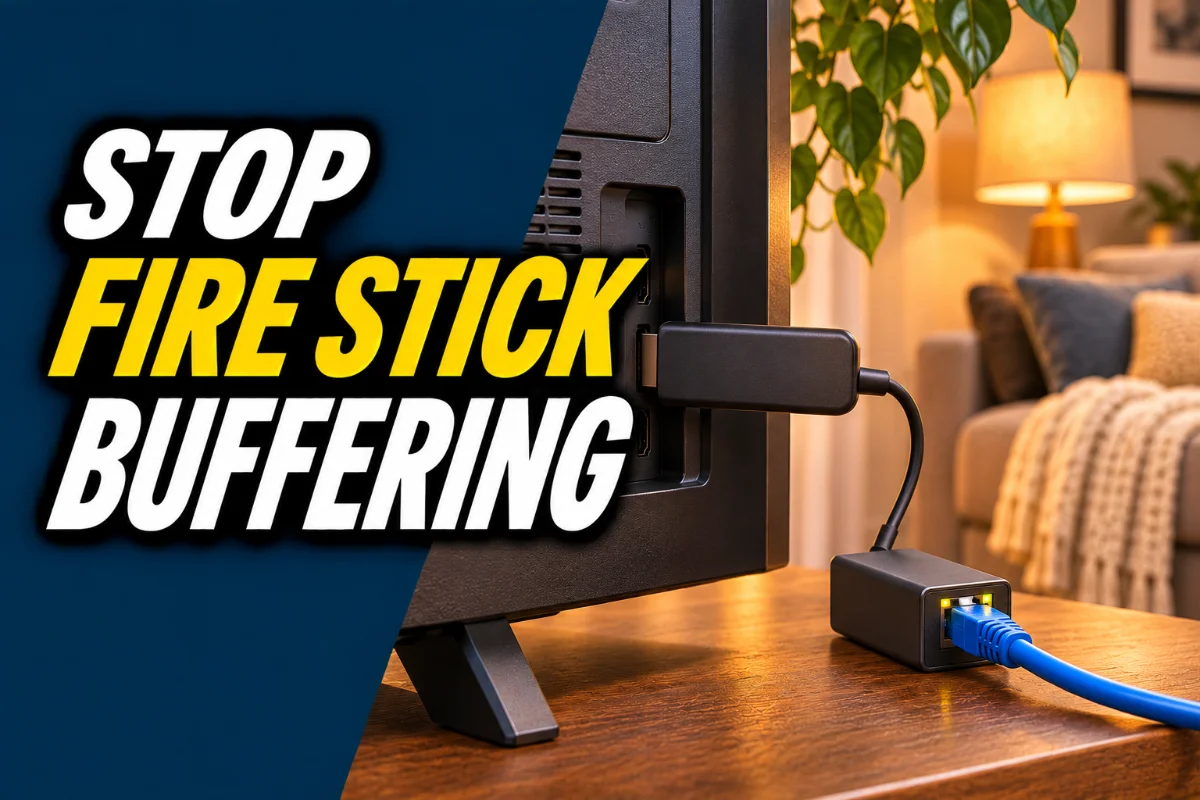
An ethernet adapter fixes that by giving the stick a wired connection. It plugs in between the stick and its power supply, and you run an ethernet cable from your router to the adapter. No more guessing about Wi-Fi signal.
This post contains Amazon affiliate links. If you buy through them, we may earn a commission at no extra cost to you.
Quick picks
| Pick | Best for | Look for | Link |
|---|---|---|---|
| Official-style Fire TV ethernet adapter | Most Fire TV Sticks | Matches your stick’s power port (micro-USB or USB-C) | Find it on Amazon |
| USB-C ethernet adapter with power passthrough | Newer sticks with USB-C power | Power passthrough plus ethernet port | Find it on Amazon |
| Cat 6 ethernet cable | Connecting the adapter to your router | Length that reaches without stretching | Find it on Amazon |
| Powerline ethernet adapter | TVs far from the router | Kit with two adapters | Find it on Amazon |
How we picked
We compared adapter types, which power ports they fit, and the speeds they support, alongside what buyers report about setup. We didn’t test them on every Fire TV model, so double-check compatibility with your specific stick before you buy.
Do you need one?
If streams start fine and rarely buffer, no. Save your money. But if you see any of these, a wired connection is worth trying:
- Buffering or quality dropping to blurry SD in the evenings
- Netflix, Hulu or Prime Video network errors on the TV but not your phone
- A weak signal in the Fire TV’s network settings
- Live sports and live TV stuttering
Which adapter fits your Fire TV?
This is the part people get wrong. Fire TV devices power through either micro-USB or USB-C, depending on the model. Look at the port on your stick (or check Amazon’s device page for your exact model), and buy an adapter with the matching connector. Many adapters also have a power passthrough, so the stick still gets power while it gets internet.
Is 100 Mbps fast enough?
Many streaming ethernet adapters are 10/100 Mbps. That sounds slow next to gigabit internet, but it’s plenty for streaming. Netflix recommends about 15 Mbps for 4K. What matters is that a cable delivers steady speed with no dropouts, which Wi-Fi behind a TV often can’t.
How to set it up
- Unplug the Fire TV Stick’s power cable.
- Plug the adapter into the power supply, then plug the stick’s power into the adapter (or follow the adapter’s diagram).
- Run an ethernet cable from your router to the adapter.
- Power everything back on. The Fire TV should detect the wired connection automatically.
- Go to Settings > Network to confirm it’s using ethernet.
No router near the TV?
A powerline kit sends your internet through your home’s electrical wiring. Plug one adapter in near the router and one near the TV, connect both with short ethernet cables, and you’ve got a wired connection without running a cable across the house. Results depend on your wiring, but for many homes it’s a big step up from weak Wi-Fi.
One small tip: use the power supply that came with your Fire TV, or the one included with the adapter. Weak phone chargers and TV USB ports often can’t supply enough power for the stick and the adapter together, which causes random restarts.
Still getting errors?
A wired connection removes Wi-Fi as a cause, but not everything. If Netflix still complains, check our guide to Netflix error NW-2-5, and restart your router. DNS problems can also break streaming apps, and our DNS_PROBE_FINISHED_NXDOMAIN guide explains how to fix them.
Our take
For anyone who streams a lot on a Fire Stick and fights buffering, an ethernet adapter is the best small upgrade you can make. Check your power port, buy the matching adapter and a decent cable, and the evening buffering wheel mostly disappears.
FAQ
Does a Fire Stick have an ethernet port?
No. You need an ethernet adapter that connects through the stick’s power port.
Will an ethernet adapter stop buffering?
Often, yes, if weak Wi-Fi is the cause. It won’t help if your internet plan itself is too slow.
Is a 100 Mbps ethernet adapter enough for 4K?
Yes. Netflix recommends about 15 Mbps for 4K, well within 100 Mbps.
How do I know which adapter fits my Fire TV?
Check whether your stick uses micro-USB or USB-C for power and buy an adapter with the matching plug.
What if my router is far from the TV?
Use a powerline ethernet kit or a long cable, or improve Wi-Fi with a mesh system.