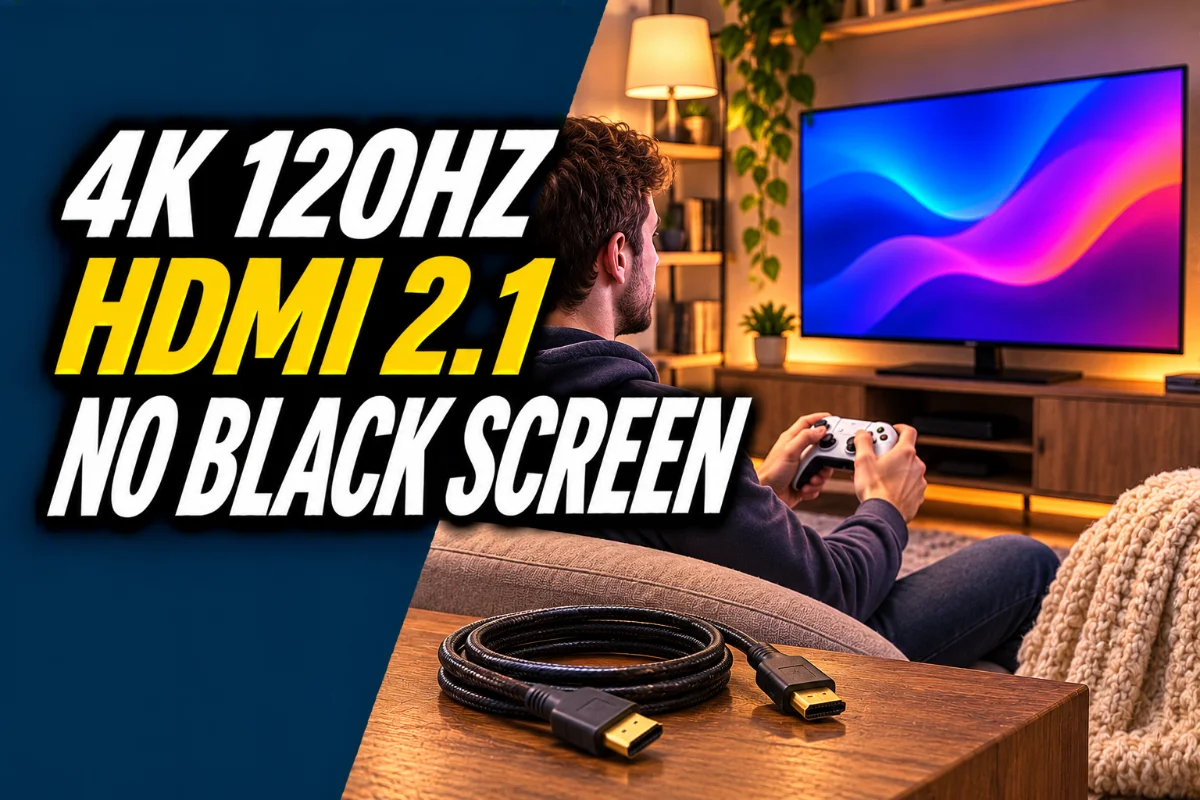
Best HDMI 2.1 Cable for PS5 and Xbox Series X: Get 4K 120Hz Without the Black Screen
You plug in your PS5 or Xbox Series X, turn on 120Hz, and the screen flickers, goes black for a second, or shows no signal at all. Or you need a longer cable than the one in the box and end up with a random cable from a drawer that can’t keep up.
For 4K at 120Hz, you need a cable rated for HDMI 2.1 speeds. The official name for it is an Ultra High Speed HDMI Cable, and it’s built for up to 48 Gbps of bandwidth. Older High Speed cables can work at 4K 60Hz but often fall apart at 120Hz, especially at longer lengths.
This post contains Amazon affiliate links. If you buy through them, we may earn a commission at no extra cost to you.
Quick picks
| Pick | Best for | Look for | Link |
|---|---|---|---|
| Certified Ultra High Speed HDMI cable (6 ft) | Most console setups | Official certification label, 48 Gbps | Find it on Amazon |
| Short Ultra High Speed HDMI cable (3 ft) | Console right next to the TV | Shorter is more reliable | Find it on Amazon |
| Fiber optic HDMI 2.1 cable | Long runs to a projector or across a room | Rated 48 Gbps, directional | Find it on Amazon |
| HDMI 2.1 switch | More 2.1 devices than TV ports | 4K 120Hz support on every input | Find it on Amazon |
How we picked
We compared cable certification, length, construction and what buyers report about flickering and signal dropouts. We didn’t run signal tests ourselves. The certification label and length matter more than any brand, so start there.
Do you even need a new cable?
Both the PS5 and Xbox Series X ship with an Ultra High Speed HDMI cable in the box. If you still have it and it reaches, use it. You’ll want a new one if you lost it, need a longer run, or the original got bent or damaged.
What “certified” means
Real Ultra High Speed HDMI cables can carry an official certification label, usually with a QR code you can scan with the HDMI Cable Certification app to confirm it’s genuine. Plenty of cheap cables claim “8K” or “HDMI 2.1” without certification. Some work fine. Some don’t. The label is the easiest way to avoid guessing.
What to look for
- Ultra High Speed certification.
- 48 Gbps bandwidth.
- The shortest length that reaches. Long copper cables lose signal more easily at high speeds.
- Fiber optic for long runs. Past about 15 feet, fiber HDMI cables are more reliable. They’re directional, so plug the correct end into the console.
- A TV that supports 120Hz. Check that you’re using one of the TV’s HDMI 2.1 ports. Many TVs only have one or two.
Fixing flicker, black screens and no signal
- Plug the cable directly into the TV’s HDMI 2.1 port, not a receiver or switch, to test.
- Turn on the TV’s enhanced HDMI or input signal plus setting for that port.
- Try the cable that came with the console.
- Use a shorter cable.
- Update the TV’s and console’s software.
- If it only fails at 120Hz, lower the console to 60Hz to confirm the cable is the problem.
Using a soundbar or receiver?
If your audio gear sits between the console and TV, it also needs to support HDMI 2.1 passthrough, or it’ll limit you to 60Hz. Many setups run the console straight to the TV and send audio to the soundbar through the TV’s eARC port instead.
Other gaming troubleshooting
Cable issues show up as picture problems. If your console crashes or won’t connect online, that’s something else, and our DNS guide covers network basics.
Our take
Buy a certified Ultra High Speed HDMI cable in the shortest length that works, plug it into the TV’s HDMI 2.1 port, and turn on the enhanced input setting. That fixes most 120Hz black screens and flicker. Go fiber only if you need a long run.
FAQ
Do I need an HDMI 2.1 cable for PS5?
For 4K at 120Hz, yes. The PS5 includes one in the box, so you only need a new one if you lost it or need a different length.
What’s the difference between High Speed and Ultra High Speed HDMI?
Ultra High Speed cables are built for up to 48 Gbps, needed for 4K 120Hz and other HDMI 2.1 features.
Why does my screen go black at 120Hz?
Often a cable that can’t handle the bandwidth, the wrong TV port, or an enhanced HDMI setting that’s turned off.
How long can an HDMI 2.1 cable be?
Shorter is more reliable. For long runs, consider a fiber optic HDMI 2.1 cable.
How do I know a cable is really certified?
Look for the official certification label and scan its QR code with the HDMI Cable Certification app.