Best Wi-Fi Extender for Smart TV: Fix Buffering Without Moving Your Router
Your phone streams fine in the kitchen, but the TV in the bedroom buffers, drops to blurry quality, or throws network errors in Netflix and Hulu. Classic weak Wi-Fi. The router’s on the other side of the house, and the TV’s built-in Wi-Fi just isn’t strong enough to reach it reliably.
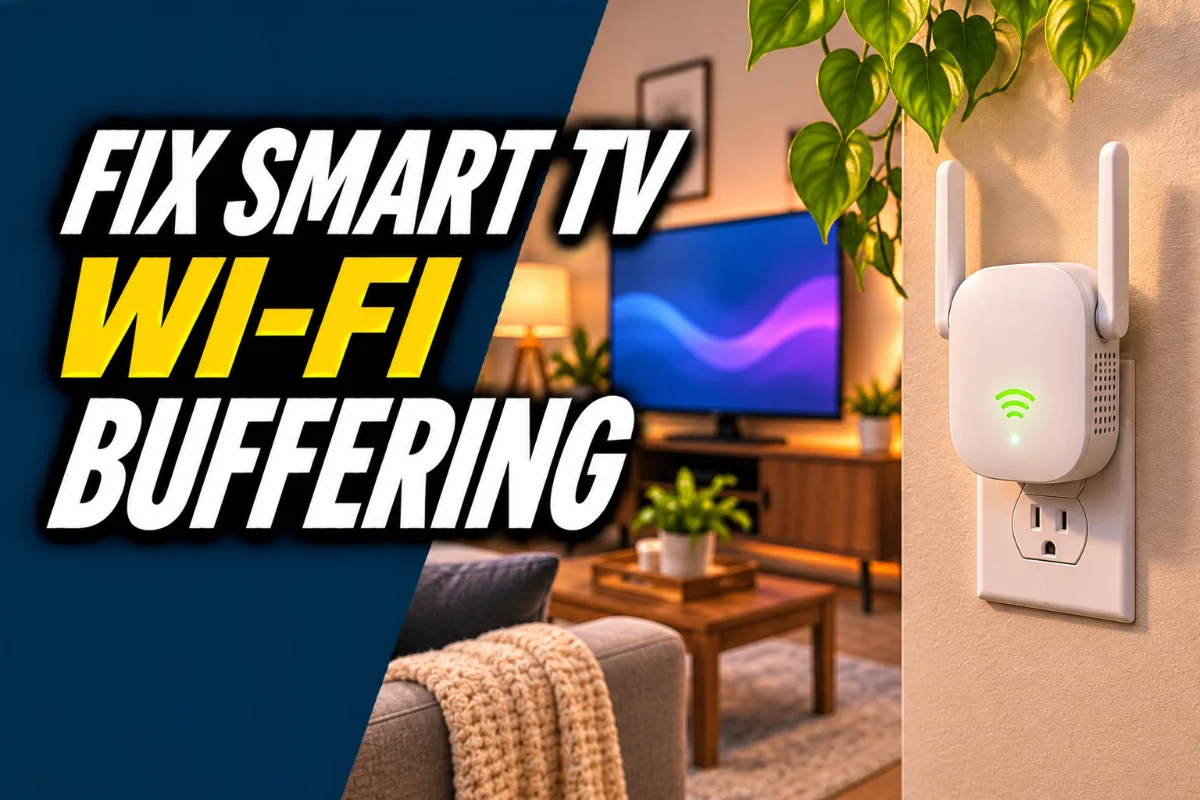
A Wi-Fi extender (sometimes called a range extender or booster) picks up your router’s signal and rebroadcasts it closer to the TV. The best ones also have an ethernet port, so you can plug the TV in directly and skip the TV’s weak Wi-Fi altogether.
This post contains Amazon affiliate links. If you buy through them, we may earn a commission at no extra cost to you.
Quick picks
| Pick | Best for | Look for | Link |
|---|---|---|---|
| Wi-Fi extender with ethernet port | One TV in a weak spot | Ethernet port, dual-band or Wi-Fi 6 | Find it on Amazon |
| Mesh Wi-Fi system | Several weak spots, bigger homes | 2 or 3 units, Wi-Fi 6 | Find it on Amazon |
| Powerline adapter with Wi-Fi | Thick walls, rooms far from router | Kit with ethernet and Wi-Fi on the far unit | Find it on Amazon |
| Short Cat 6 ethernet cable | Wiring the TV to the extender | 1 to 3 feet | Find it on Amazon |
How we picked
We compared extender types, how buyers use them with TVs, and the features that actually matter for streaming, such as ethernet ports and dual-band support. We didn’t test these ourselves, so use the checklist to compare models.
Extender, mesh or powerline?
| Option | Best for | Watch out for |
|---|---|---|
| Wi-Fi extender | One problem room on a budget | Placement matters a lot, can create a separate network name |
| Mesh system | Whole-home coverage | Costs more, replaces or works with your router |
| Powerline kit | Rooms Wi-Fi can’t reach well | Depends on your home’s wiring |
Our take: one TV, one bad spot, go with an extender that has an ethernet port. If several rooms struggle, skip the extender and get a mesh system. If walls are thick or there’s a floor or two between router and TV, try powerline.
Where to put an extender
This is where most extenders fail. Plug it in about halfway between the router and the TV, where it still gets a strong signal from the router. Put it right next to the TV and it’ll just rebroadcast a weak signal. Most extenders have a signal light or app to help you find a good spot.
Use the ethernet port if you can
If the extender sits near the TV, connect them with a short ethernet cable. Your TV’s Wi-Fi chip is often the weakest link, and a cable bypasses it entirely. Many smart TVs have an ethernet port on the back. Streaming sticks need an ethernet adapter.
What to look for
- Ethernet port for wiring the TV.
- Dual-band or Wi-Fi 6 support for better speeds.
- Same network name option so devices switch smoothly.
- An app or signal indicator to help with placement.
- Compatibility with your router (most extenders work with any router).
Quick fixes to try first
- Restart your router and TV.
- Move the router higher and out of cabinets.
- Switch the TV to the 5 GHz network if it’s close enough, or 2.4 GHz if it’s far.
- Update the TV’s software and streaming apps.
If those don’t help, the TV is simply too far from the router, and better coverage is the fix.
Don’t forget the router itself
If your router is several years old, an extender can only stretch a weak signal further. Sometimes the better buy is a newer router, or a mesh system that replaces it. Check your router’s age and whether it supports at least dual-band Wi-Fi before spending money on extenders.
Streaming errors that point to Wi-Fi
Netflix’s NW codes and similar errors in other apps often mean the TV can’t hold a steady connection. See our guide to Netflix error NW-2-5 for the full troubleshooting steps.
Our take
For a single TV, a dual-band extender with an ethernet port, plugged in halfway and wired to the TV, is the most bang for your buck. If your whole house has dead zones, go mesh and stop patching individual rooms.
FAQ
Will a Wi-Fi extender help my smart TV?
Yes, if weak signal is causing buffering or errors. Place it halfway between the router and TV.
Is it better to connect a TV to an extender with ethernet?
Yes. A cable bypasses the TV’s built-in Wi-Fi, which is often weak.
Is mesh Wi-Fi better than an extender?
For whole-home coverage, usually yes. For one problem room, an extender is cheaper.
Where should I place a Wi-Fi extender?
About halfway between the router and the TV, where it still gets a strong signal.
Do extenders work with any router?
Most do. Check the product details to be sure.